Applying a view to the drawing
When working on a drawing, you may want to focus on different aspects of your project, switch between existing and proposed conditions, or display different combinations of layers.
Views allow you to switch quickly between predefined display settings without modifying the drawing objects themselves. For more information on creating and managing views, see Working with views.
- To change the active view while working on a drawing, use one of the following methods:
- Select the desired view directly from the view drop-down list in the Active Settings toolbar.

- RESULT: The drawing is displayed according to the settings of the selected view.
- To return to the standard drawing view, select ~ Work View from the drop-down list.
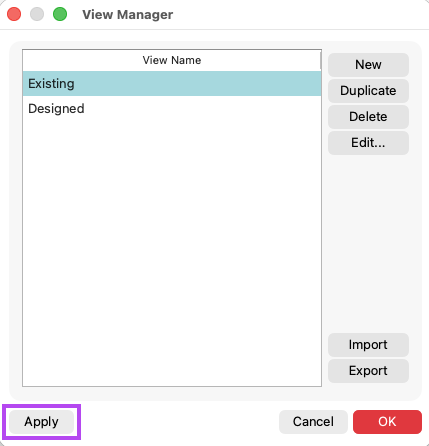
Or if you have View Management open, select the desired view and click Apply.
Was this article helpful?
That’s Great!
Thank you for your feedback
Sorry! We couldn't be helpful
Thank you for your feedback
Feedback sent
We appreciate your effort and will try to fix the article