Faster and More Stable Image Rendering in Pythagoras
Starting with Pythagoras 2021, Pythagoras uses a new internal image format, PTIF, designed for fast and efficient rendering of large images.
How it works
When you import a large image via File > Import > Image > Link to File, the original file is automatically converted to PTIF.
The PTIF file is linked externally to your drawing and is not embedded in the .pyt project file.
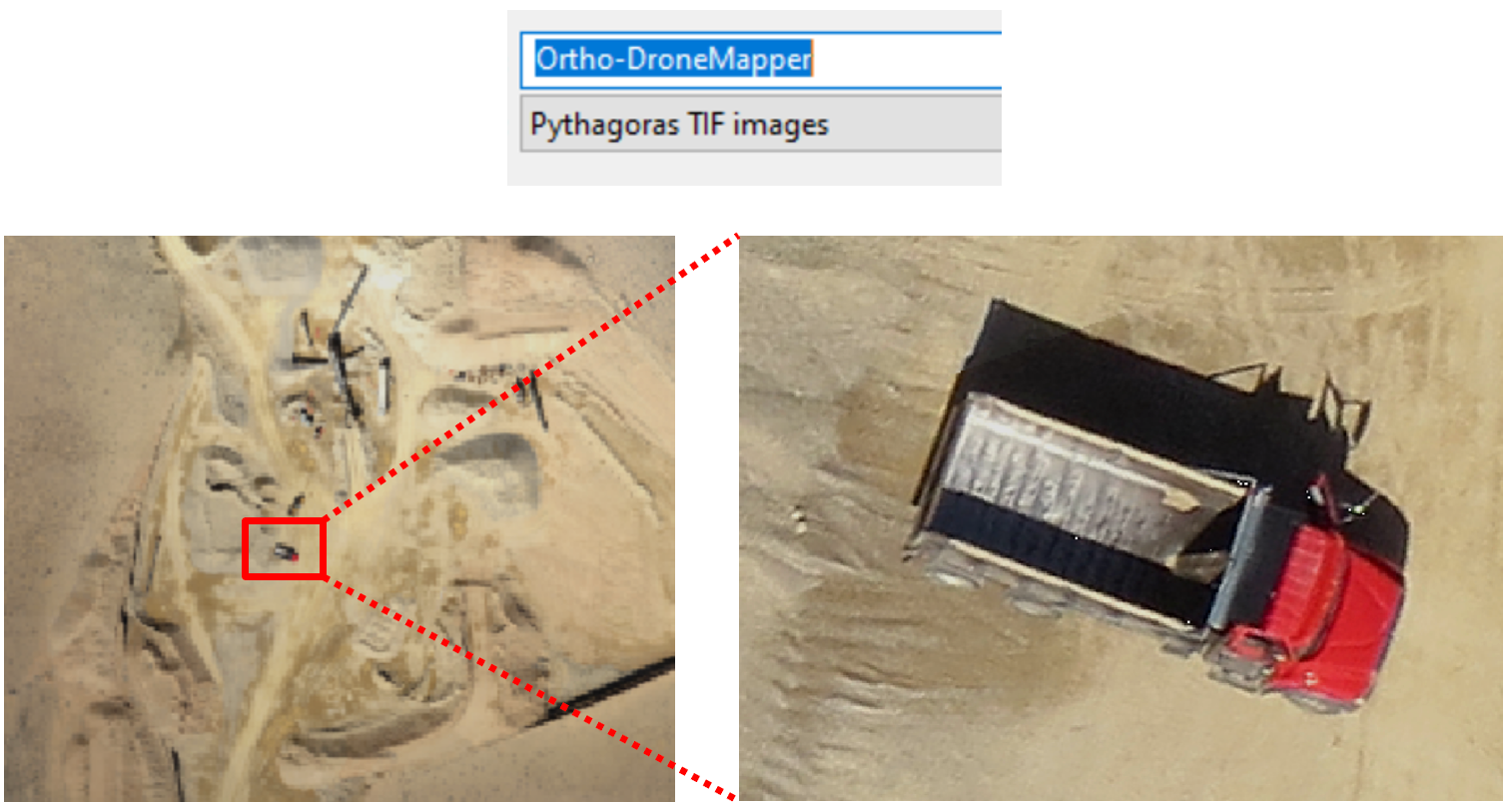
PTIF is used for:
- GeoTIFF and TIFF
- Large JPG and PNG files
- WMS and WMTS web services (tiles are stored locally as PTIF)
Smaller images inserted into the document remain in their original format. They do not need to be converted to PTIF because they can be fully embedded in the .pyt file.
Why PTIF performs better
PTIF offers several advantages for large image files:
- Better compression and decompression.
- Multi resolution rendering
- Performance boost on all scales
- Can be viewed and used in other applications
Differences compared to the old IMG format
Starting with Pythagoras 2021, IMG has been fully replaced by PTIF.
Before Pythagoras 2021, the IMG format was used for linked images. That format still exists in older projects, but:
- IMG files are not automatically converted to PTIF.
- PTIF cannot be opened in Pythagoras versions older than 2021.
- If you save a drawing with PTIF images to an older version (2020 or earlier), the images will not be included.
Was this article helpful?
That’s Great!
Thank you for your feedback
Sorry! We couldn't be helpful
Thank you for your feedback
Feedback sent
We appreciate your effort and will try to fix the article